

You're looking at a VM that reports healthy CPU utilization, yet the database feels slow, p99 latency spikes, and disk wait keeps climbing. Before moving everything to bare metal, isolate the bottleneck. Check steal time, memory locality, storage latency, and the virtual I/O path first.
On a Linux guest, start with:
lscpu
vmstat 1 5
iostat -xz 1 5
mpstat -P ALL 1 5
If %steal rises under load, the host is competing for CPU time. If storage latency rises while CPU remains comfortable, virtIO, the backing device, queueing, or the hypervisor may be the limiting layer. Bare metal removes most shared scheduling variables, but a tuned VM can still be the better operational choice for workloads that value snapshots, portability, and fast provisioning.
The useful question in bare metal vs VM decisions isn't “which is better?” It's “which deployment model fits this workload's failure mode?”
Table of Contents
- What Bare Metal and VM Actually Mean in 2026
- Performance Compared With Real Numbers
- Cost, Density, and the Bill You Don't See
- Scalability, Management, and Security Posture
- Matching Workloads to the Right Deployment Model
- Migration Paths and Hybrid Cluster Designs
- Recommendations for SMBs, Enterprises, and Developers
What Bare Metal and VM Actually Mean in 2026
A bare metal server is a physical machine where one operating system controls the CPU, memory, PCIe devices, storage, and network interfaces directly. There's no guest operating system competing with other tenants through a hypervisor scheduler. That gives the operator direct control over firmware, kernel parameters, interrupt placement, storage drivers, and device access.
A virtual machine runs a guest operating system on a hypervisor such as KVM, ESXi, Hyper-V, or Proxmox/QEMU. The hypervisor schedules virtual CPUs, translates memory access, and presents virtual storage and networking devices. Linux guests commonly use virtIO, while SR-IOV and VFIO can provide a more direct path to physical devices.
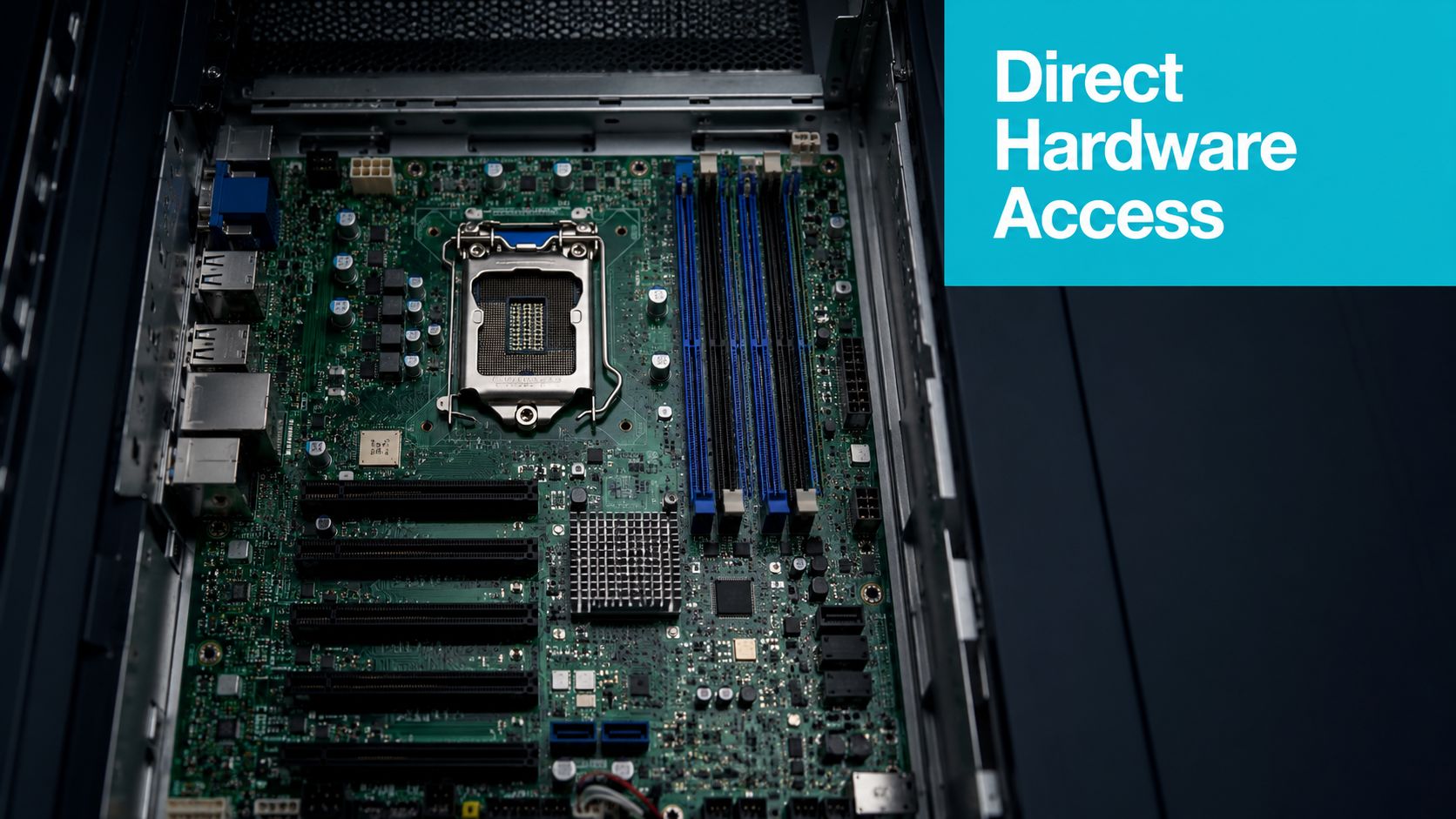
The practical distinction
The hypervisor isn't automatically the problem. Modern virtualization stacks use hardware assistance and optimized device paths, so many ordinary application workloads run close to bare metal. The remaining differences usually appear in memory locality, storage behavior, PCIe access, interrupt handling, and tail latency, rather than in simple average CPU utilization.
A VM also isn't necessarily multi-tenant in the commercial sense. You can run a VM on dedicated hardware, including a Proxmox host, and still gain snapshots, cloning, and migration while retaining physical isolation from unrelated customers. Conversely, a bare metal server can host many containers and still provide direct hardware access to the host kernel.
| Decision factor | Bare metal | VM |
|---|---|---|
| Hardware access | Direct CPU, memory, PCIe, storage, and network access | Mediated by a hypervisor and virtual devices |
| Isolation | Physical single tenancy | Logical isolation, optionally on dedicated hardware |
| Provisioning | Requires physical preparation and operating system deployment | Template-based provisioning is fast |
| Portability | Hardware-dependent | Images can move between compatible hosts |
| Performance consistency | Highest control over contention and locality | Depends on host scheduling, topology, drivers, and storage |
| Recovery | Requires a rebuild or image restore to another machine | Snapshots, replication, and image restores simplify recovery |
The hypervisor overview from ARPHost is useful background, but the deployment decision should start with workload behavior. A web tier that scales horizontally doesn't need the same guarantees as a memory-bandwidth-heavy database, and a GPU inference service doesn't have the same requirements as a development VM.
Practical rule: choose bare metal when variance itself breaks the service. Choose a VM when operational flexibility is worth the virtualization boundary.
In production, this distinction appears during incidents. A VM cluster can recover quickly from a failed guest or host if replication and backups are designed correctly. Bare metal gives you a cleaner performance envelope, but you must own more of the hardware lifecycle and recovery path.
Performance Compared With Real Numbers
The safe way to compare bare metal and VMs is to benchmark the workload, not to repeat a fixed overhead percentage. A 2023 study reported about 10% performance loss for a VM versus bare metal when the virtualization stack was well optimized, with 0 to 5% loss for CPU, memory, and network in general tests. Disk workloads showed a much larger impact, including about 35% loss in some cases, while poorly optimized software reached performance loss of up to 72%. The same research is summarized in the 2023 performance study.
An independent benchmarking paper found type-2 hypervisors could run about 8% slower than bare metal, which reinforces a narrower point: virtualization overhead exists, but the result depends heavily on the hypervisor, workload, driver, and configuration. Older results were less consistent. A 2011 benchmark recorded bare metal RAM write at 641 MB/s and RAM read at 532 MB/s, while one VirtualBox configuration recorded 346 MB/s and 319 MB/s, respectively. That paper also recorded Dhrystone performance of 6.0 billion operations per second on bare metal versus 8.5 in one VirtualBox configuration, demonstrating why a single “VM penalty” rule is unreliable. These historical results are documented in the bare metal and VM benchmark paper.
Which measurements matter
The following table includes only values documented in the verified benchmark material. It doesn't pretend that a generic 2026 KVM configuration can produce one universal result for every CPU, NVMe device, guest kernel, or hypervisor.
| Workload | Bare Metal | VM, KVM or virtualized setup | Delta |
|---|---|---|---|
| General CPU, memory, and network tests | Baseline | 0 to 5% loss in modern optimized tests | 0 to 5% |
| Overall VM performance in one 2023 study | Baseline | About 10% loss | About 10% |
| Disk workload in some tests | Baseline | About 35% loss | About 35% |
| Poorly optimized software | Baseline | Up to 72% loss | Up to 72% |
| Type-2 hypervisor benchmark | Baseline | About 8% slower | About 8% |
| Historical RAM write test | 641 MB/s | 346 MB/s in one VirtualBox configuration | Workload and stack dependent |
| Historical RAM read test | 532 MB/s | 319 MB/s in one VirtualBox configuration | Workload and stack dependent |
CPU overhead often disappears in a web application because the service spends time waiting on storage, downstream APIs, locks, or the client. Memory bandwidth is different. A cache-heavy database can saturate the memory subsystem while every CPU core still appears busy in a superficially healthy way.
Storage deserves its own test. In a Kubernetes storage benchmark, average write latency was 62.02 ms on bare metal versus 174.53 ms in the VM cluster. For an 8 GB database workload, latency was 18.17 ms on bare metal versus 34.78 ms in VMs. For a 75 GB database, it was 21.28 ms versus 55.21 ms, respectively, as reported in the Kubernetes bare metal and VM comparison.
Before deciding, benchmark with the same dataset, queue depth, filesystem, database settings, and concurrency. Track p50 and p99 latency, not just throughput. If you're sizing CPU for a virtualized host, the CPU cores and threads guide helps separate scheduler capacity from the core count the application can use.
Cost, Density, and the Bill You Don't See
Bare metal and VMs shift costs rather than eliminating them. Bare metal puts more of the bill in hardware, power, cooling, rack space, replacement parts, and capacity that may sit idle. VMs spread those costs across workloads, but add the virtualization platform, shared storage, backup orchestration, host maintenance, and engineering effort required to prevent contention.
A bare metal server makes sense when the workload can keep the machine busy or needs its complete hardware profile. It becomes wasteful when a small application consumes only a fraction of the available CPU, memory, and storage. A VM can place that application beside others, but consolidation only works while the host has enough headroom for bursts and failures.
Where density stops helping
The hidden bill usually appears in one of four places:
- Licensing: Per-socket hypervisor or virtualization features can matter more than the guest operating systems, especially when you need advanced migration, storage, or support capabilities.
- Shared storage: A VM cluster may need SAN, vSAN, Ceph, or another replicated storage layer. That can improve mobility and recovery, but it adds devices, network traffic, and operational complexity.
- Backup scope: Each VM needs image protection, guest-consistent application backups where required, retention, and restore testing.
- Performance reservations: Once noisy neighbors or maintenance failures force you to reserve substantial capacity, the theoretical density ratio no longer describes the usable cluster.
The cost to server guide is a useful planning input, but it shouldn't replace a workload inventory. Count the host resources required for normal operation, failover, maintenance, backups, and growth. Then compare that usable capacity with the total cost of ownership for both models.
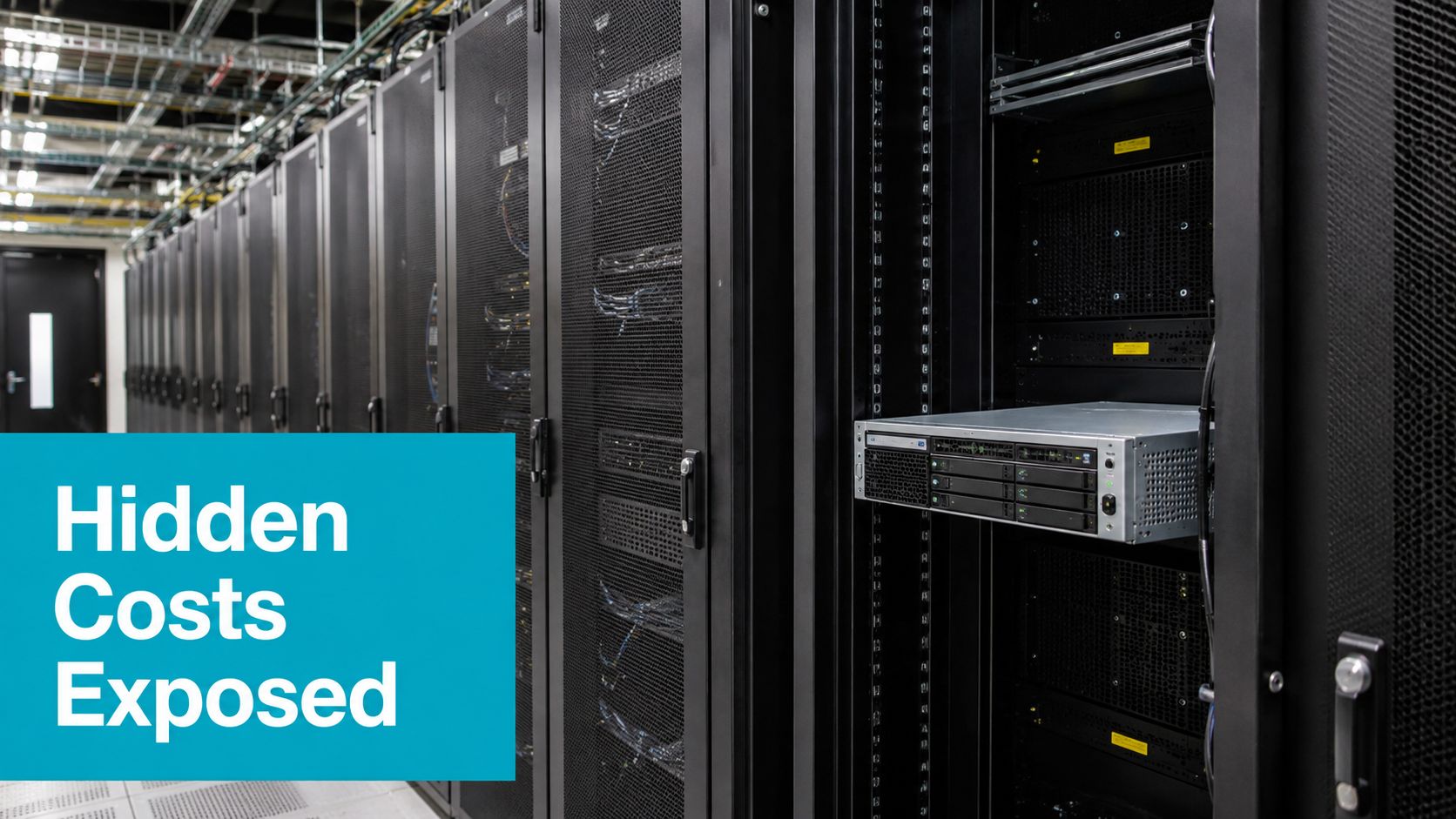
A common mistake is comparing one bare metal server with a VM's allocated vCPUs and RAM, without pricing the platform around the VM. The correct comparison includes monitoring, backup, storage replication, host spares, support, and the staff time needed to operate the virtualization layer.
In multi-tenant infrastructure, utilization isn't the only objective. A host running close to saturation may look efficient until a customer's workload creates storage queueing or CPU steal. The resulting incident costs more than the unused capacity you were trying to avoid.
Scalability, Management, and Security Posture
VMs scale through software. Templates, cloning, snapshots, replication, and live migration let an operator change placement without rebuilding a physical machine. That flexibility is valuable for development, CI workers, horizontally scaled web services, and disaster recovery.
Bare metal scales by adding or replacing hardware. The capacity is easier to reason about once installed, but procurement, rack space, firmware versions, BIOS settings, and hardware replacement become part of the delivery path. Configuration management tools such as Ansible, Puppet, or MAAS reduce drift, but they don't remove the physical dependency.
Operational signals that explain the incident
CPU steal time is the first VM-specific signal to check. A guest can show normal application CPU utilization while the hypervisor delays its vCPUs. NUMA crossing creates another problem: a VM may have enough assigned memory but access it through a remote memory node, increasing latency and reducing consistency.
Storage and network devices also matter. virtIO is usually the practical default, while SR-IOV can provide a more direct network path at the cost of flexibility. vhost-net moves part of packet processing out of the guest, but bridges, Open vSwitch rules, interrupt placement, and queue configuration still affect tail latency.
Meltdown and related CPU security mitigations can alter the balance between isolation and performance. Bare metal still requires kernel and firmware updates, and a VM host requires those updates plus guest patching. Security isolation is stronger on dedicated hardware because unrelated tenants don't share the physical machine, but VMs provide useful controls through per-guest firewalls, rapid reimaging, and network segmentation.
| Dimension | Bare metal | Virtual machine |
|---|---|---|
| Scaling method | Add or replace physical servers | Clone, resize, migrate, or add guests |
| Failure domain | Usually one physical host per workload | Guest, host, storage, and management layers |
| Performance signal | Hardware counters, I/O wait, thermal and firmware state | Host contention, steal time, NUMA placement, virtual queueing |
| Management model | OS and hardware configuration management | Hypervisor, guest OS, templates, images, and orchestration |
| Isolation | Physical separation | Hypervisor and policy-based separation |
| Recovery | Rebuild, restore, or fail over to another server | Snapshot, replication, image restore, or migration |
| Common operational risk | Firmware drift and slower hardware replacement | Noisy neighbors and hidden host contention |
Security is not a binary choice
A VM isn't insecure by definition, and bare metal isn't secure by default. The decision changes the threat model. Bare metal reduces shared-host exposure and gives the operator complete control of the platform. VMs make it easier to isolate services, destroy compromised instances, and enforce separate network policies.
In production, I treat isolation and recoverability as separate controls. A dedicated server may reduce contention, while a VM platform may provide the faster, more repeatable rebuild. The right answer depends on whether the dominant risk is cross-tenant exposure, operational error, hardware failure, or an application that cannot tolerate latency variance.
Matching Workloads to the Right Deployment Model
A workload-fit review starts with the resource it saturates first. CPU saturation, memory bandwidth, random storage latency, PCIe access, GPU scheduling, and network jitter lead to different infrastructure choices.
| Workload | Recommended | Binding reason | Pick wrong consequence |
|---|---|---|---|
| Latency-sensitive database | Bare metal or a VM on dedicated hardware | Predictable storage and memory locality | Tail latency and queueing become difficult to control |
| AI and ML training | Bare metal or a VM with GPU passthrough | Direct GPU and fabric access | Shared GPU scheduling or distributed communication can dominate runtime |
| GPU inference | Tuned GPU VM can fit | Isolation and provisioning may outweigh small device overhead | Resource sharing can make response time inconsistent |
| High-frequency trading | Bare metal | Deterministic latency and direct device control | Scheduler and interrupt variance can violate service targets |
| HPC and MPI | Bare metal unless the fabric path is proven | Direct network and memory behavior | Communication overhead can overwhelm compute gains |
| Multi-tenant SaaS | VM or container platform | Fast isolation, cloning, and independent deployment | Bare metal leaves small services stranded on oversized hosts |
| CI/CD build farm | VM | Disposable workers and image-based provisioning | Bare metal slows worker lifecycle management |
| Legacy Windows application | VM | Snapshots, templates, and rollback | Bare metal makes test and recovery changes more invasive |
| Web tier behind a load balancer | VM or containers | Horizontal scaling and rapid replacement | Dedicated machines may be underused between peaks |
| Competitive game server | Verify vendor and anti-cheat requirements first | Some software refuses virtualization | The workload may fail to launch or lose required functionality |
Modern GPU results deserve more nuance than the usual blanket warning about virtualization. A 2025 CNCF article reported that containers on VMs using vGPU could retain up to 99% of bare-metal performance for AI and ML workloads, while a 2025 single-GPU LLM benchmark reported near-identical VM and bare-metal training or inference performance. The GPU VM benchmark coverage also reported 98 to 100% of bare-metal GPU performance for single-node KVM passthrough workloads, while shared vGPU environments incurred 4 to 25% overhead and multi-node NCCL latency worsened by 200 to 400%.
The design implication is important. Single-node GPU parity doesn't prove distributed-training parity. If the model fits on one device and passthrough works, a VM may satisfy both performance and operational requirements. If the job depends on fast multi-node GPU communication, test NCCL and fabric behavior before committing.
Storage produces a similar split. A general web service may tolerate virtual storage, while a database performing sustained sequential writes may not. SPEC research found negligible CPU usage overhead in single-instance tests, but KVM had the weakest sequential disk I/O performance among the studied platforms, even with virtIO. Use a workload replay, not a synthetic CPU test, to make the decision.
For high-core-count compute, large databases, media transcoding, private clouds, and AI inference, dedicated hardware is often the cleaner starting point. ARPHost's bare metal server options are one infrastructure path to evaluate when direct CPU, memory, storage, or GPU control matters.
Migration Paths and Hybrid Cluster Designs
Moving between VMs and bare metal is a controlled migration, not a format conversion. For a VM-to-bare-metal cutover, provision the destination first, install the target operating system, reproduce the application configuration, and establish monitoring before moving state.
A PostgreSQL migration can use logical replication or another supported replication method. The sequence is straightforward:
- Build the target: Match the required database version, extensions, filesystem settings, users, and security controls.
- Replicate state: Start replication and monitor lag, conflicts, WAL or log retention, and destination health.
- Test reads: Run synthetic transactions against the target without sending production writes.
- Freeze writes: Put the application into maintenance mode, wait for replication to catch up, and confirm the final position.
- Switch traffic: Update the application's database endpoint, then validate reads, writes, queues, and background workers.
- Keep rollback available: Don't decommission the source until the new path has passed the agreed operational window.
The reverse migration, bare metal to VM, needs the same discipline. First prove that the guest can access the required storage and network performance, then move a copy of the workload, replay production-like traffic, and compare p99 latency and I/O wait.
A practical hybrid layout
A Proxmox private cloud can host ordinary VMs and LXC containers, while separate bare metal Kubernetes nodes handle workloads that need direct hardware access. A VLAN-aware bridge can carry tenant networks, Calico BGP can advertise pod routes where the network design supports it, and storage can be layered over local NVMe with Ceph or Longhorn when the operational team accepts the added failure domains.
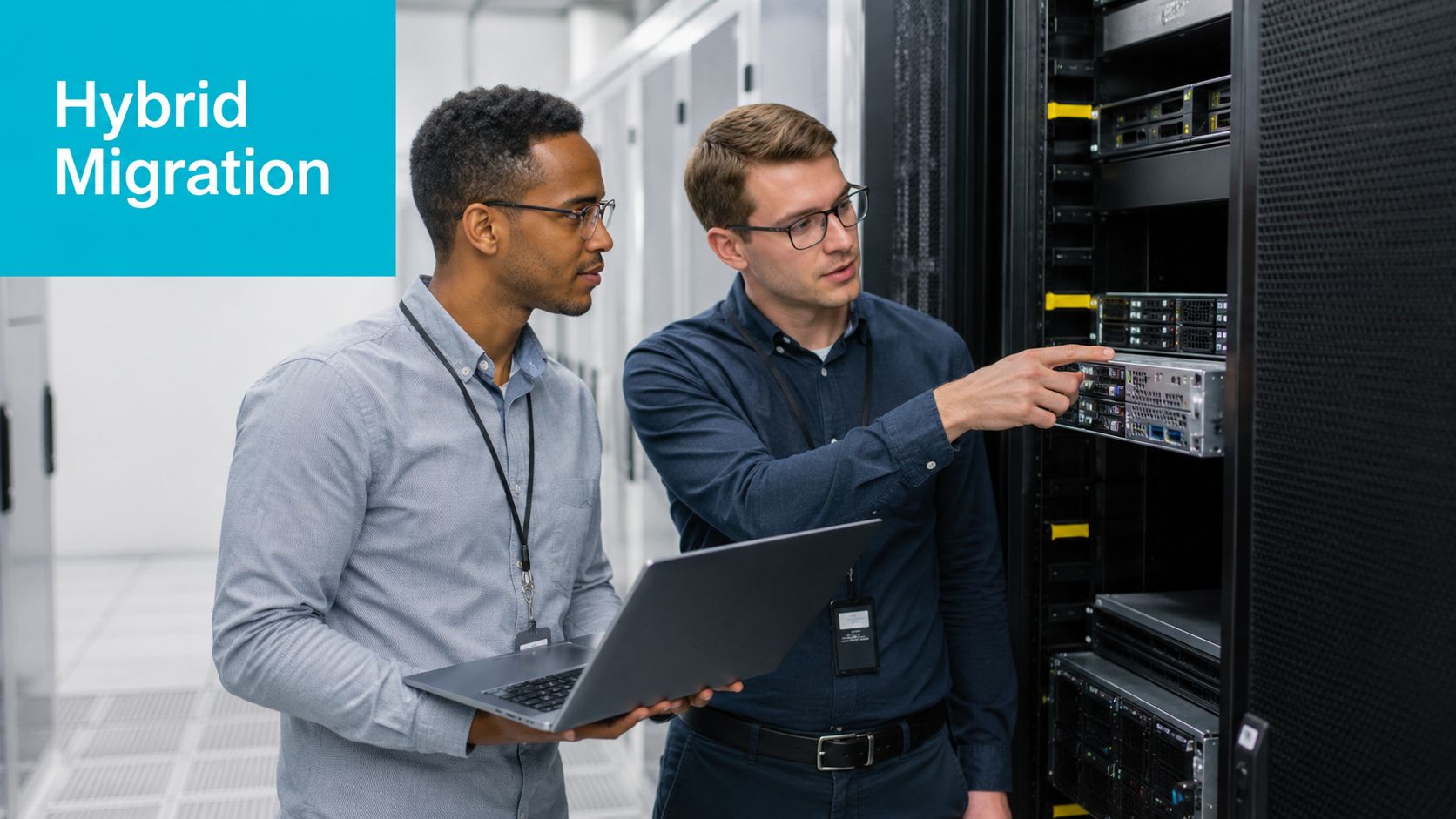
The exact split should come from measurements, not a preset ratio. Keep movable, multi-tenant, and recoverable services in VMs. Place latency-sensitive databases, GPU paths, and storage-heavy workloads on dedicated nodes when the benchmark supports that choice.
CERN's cloud optimization work offers a useful operational lesson. VMs initially ran about 20% slower than bare metal, then reached roughly 3 to 5% overhead after NUMA-aware placement, huge pages, and related tuning, as documented in the CERN CPU optimization presentation. Before moving a workload, record baseline latency, throughput, steal time, NUMA placement, and storage wait. Afterward, retain one tested rollback path through the next billing cycle.
Recommendations for SMBs, Enterprises, and Developers
Small businesses often benefit from starting with virtualization because a single dedicated host can support several separated services without forcing every application onto its own physical machine. Proxmox or Hyper-V gives administrators a manageable control plane, while templates and backups simplify recovery. Move a workload to dedicated hardware when measurements show sustained contention, unacceptable tail latency, or a hardware feature the guest can't access correctly.
| Audience | Default choice | Trigger to switch | Watch-out signal |
|---|---|---|---|
| SMB with several business services | VM on dedicated hardware | Repeated contention or strict latency requirements | Rising steal time, storage wait, or failed maintenance headroom |
| Enterprise with mixed cloud and on-premises systems | Hybrid | Database, GPU, fabric, or licensing constraint | Distributed workload degradation or inconsistent placement |
| Developer or homelab user | VM | Kernel, NVMe driver, PCIe, or microsecond-sensitive testing | The virtual device hides the behavior under investigation |
Enterprise teams should reserve bare metal for workloads with a binding reason: latency-sensitive databases, GPU training, high-performance storage, specialized networking, or software licensing that restricts virtualization. Elastic web tiers, test environments, CI workers, and ordinary internal services usually gain more from VM mobility and repeatable provisioning.
Developers and homelab operators should use VMs for routine Linux experimentation. A VM is safer for testing package changes, network services, and infrastructure automation because snapshots and cloning reduce recovery time. Bare metal becomes appropriate when the test concerns kernel scheduling, NVMe behavior, firmware, PCIe passthrough, or a latency path whose result would be distorted by virtual devices.
Measure jitter under realistic load, then choose the platform that keeps the failure mode visible and recoverable.
The decision process should be empirical:
- Record p50 and p99 application latency.
- Measure storage latency at the queue depths the application uses.
- Check CPU steal time and NUMA placement in the VM.
- Test failover, restore, and rollback before production.
- Reassess after workload growth or a major kernel, hypervisor, or driver change.
ARPHost, LLC provides bare metal servers, VPS hosting, Proxmox private clouds, colocation, and managed IT services for teams evaluating these deployment paths. Audit your current workload jitter and p99 latency under load, then contact ARPHost with those measurements to discuss whether dedicated hardware, KVM virtualization, or a Proxmox design fits the evidence.
Leave a Reply
You must be logged in to post a comment.